
Family Task Board
Family Task Board gives a household one shared place for chores, activities, star rewards, and responsibility transfers. It is intentionally familiar, which makes it a useful first example for understanding how a miniapp becomes part of The AI Platform.
Why It Was Made
Many SDK examples stop at rendering a panel. Family Task Board was made to show the smallest complete product shape instead: a scoped surface, durable state, distinct read and write authority, responsive UI, and lifecycle behavior that keeps the experience coherent when the host remounts it.
Surface Map
The code uses sdk.authorization to adapt controls to current authority and sdk.storage for canonical package state.
Walk Through the Product
- The host mounts one surface for the active workspace.
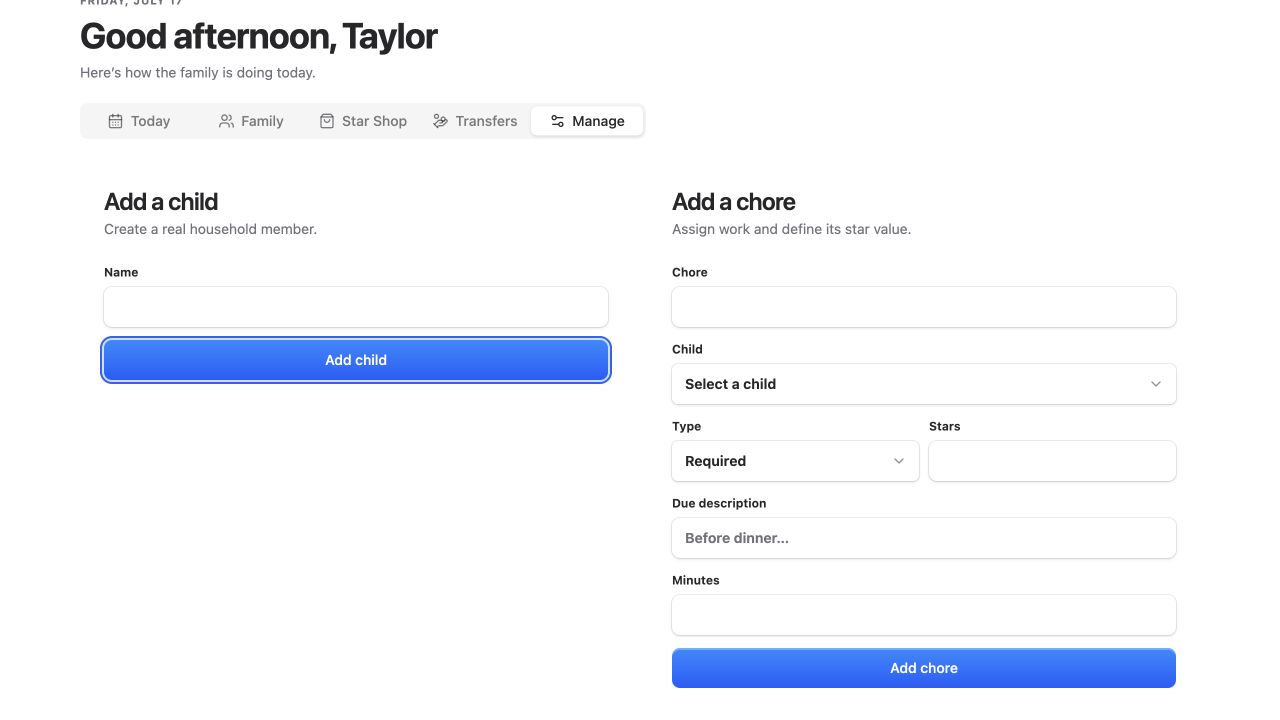
- The board reads the retained household model from the
family-task-boardnamespace. - View authority controls whether the surface is available. Manage authority controls mutations such as adding children, chores, activities, and rewards.
- Every mutation returns to the same storage model, so all tabs reflect one workspace-owned state.
- Lifecycle cleanup removes listeners without treating unmount as data deletion.
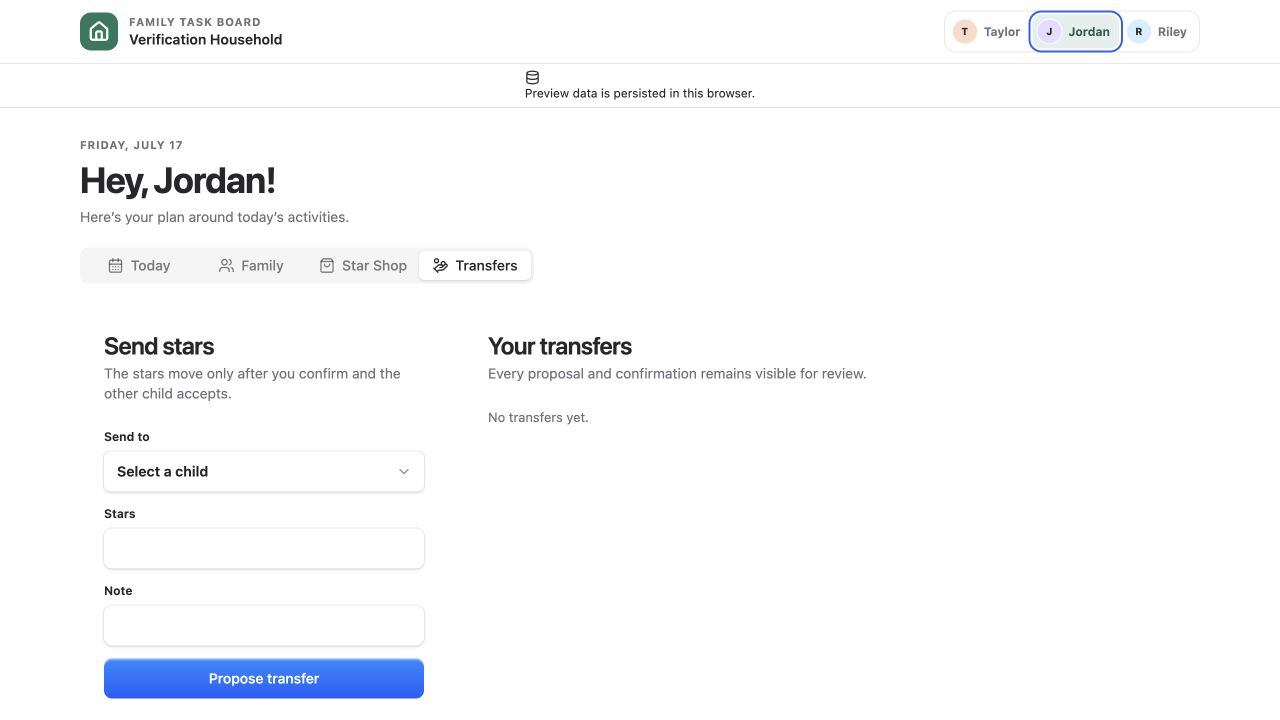
Responsibility transfers are part of the domain instead of being a generic assignment demo:
What to Read in the Code
- Package descriptor for placement, scope, persistence, storage effects, and permission actions.
- Surface mount for the host mount boundary.
- Storage module for package-scoped persistence.
- Authority module for view and manage checks.
Run It Locally
On desktop, link apps/family-task-board/.tap-build/desktop from Apps > Marketplace > Develop > Local Directory. On mobile, use Workspace Settings > Miniapps > Develop > Local Directory. The linked directory is watched automatically. A successful build prepares a fresh surface generation while the current one remains available.
Browse the source or return to the example gallery.