
Pyre
Pyre is an incident-learning workspace. It moves an investigation through intake, evidence collection, causal analysis, action planning, review, publication preparation, and follow-up without losing the facts and decisions behind the response.
Why It Was Made
Pyre was made to test composition across the platform. An incident is not only a page of local state. It needs a project, a collaboration channel, evidence files, external sources, specialist analysis, workflow execution, presence, and an audit trail. The example shows where each responsibility belongs and which authority unlocks it.
Surface Map
The implementation uses sdk.auth, sdk.authorization, sdk.channels, sdk.credentials, sdk.http, sdk.mcp, sdk.presence, sdk.projects, sdk.specialist, sdk.storage, sdk.vfs, and sdk.workflows.
Walk Through the Investigation
1. Establish the factual frame
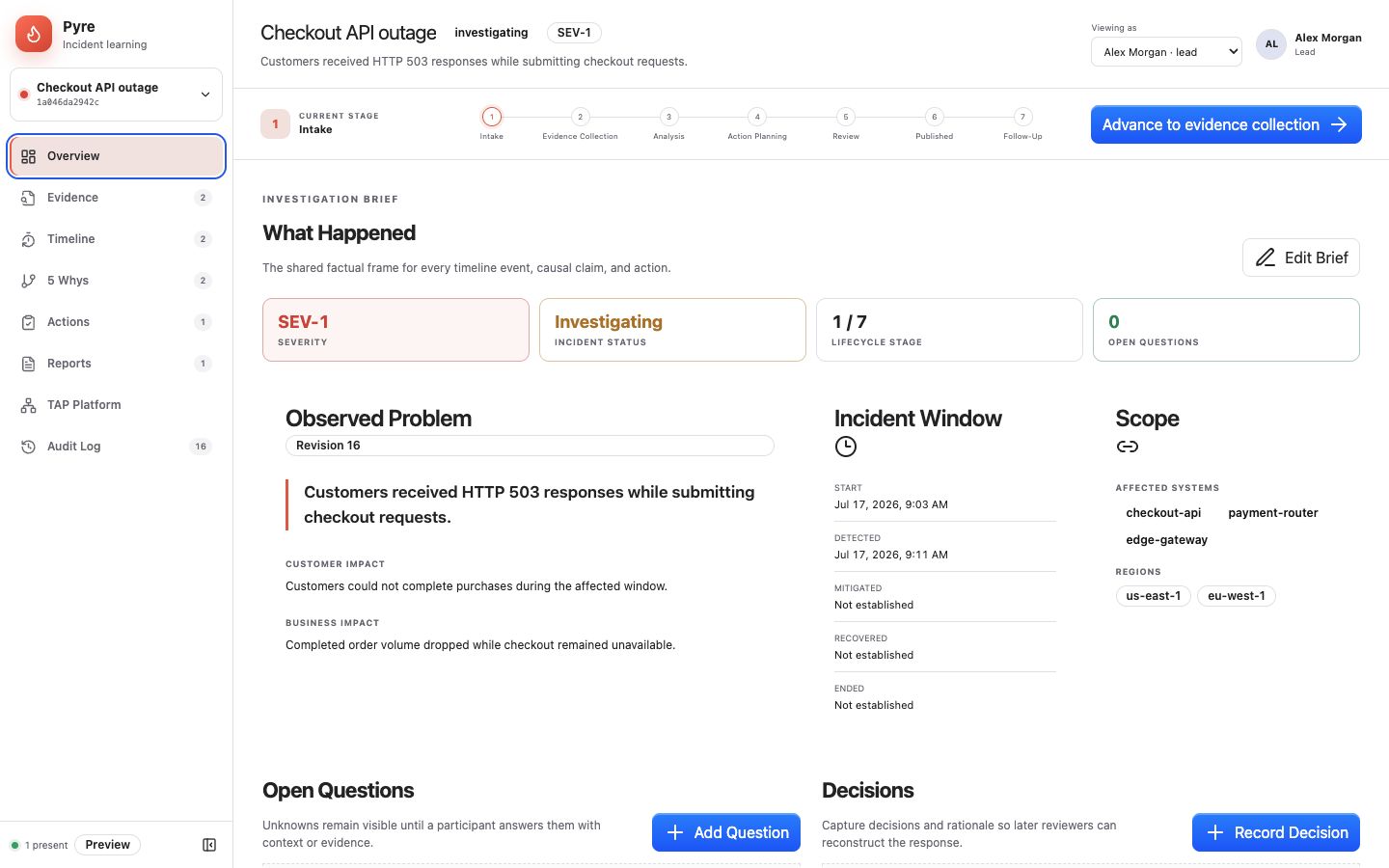
The overview captures impact, time window, affected systems, regions, open questions, and decisions. These facts anchor every later claim.
2. Collect evidence
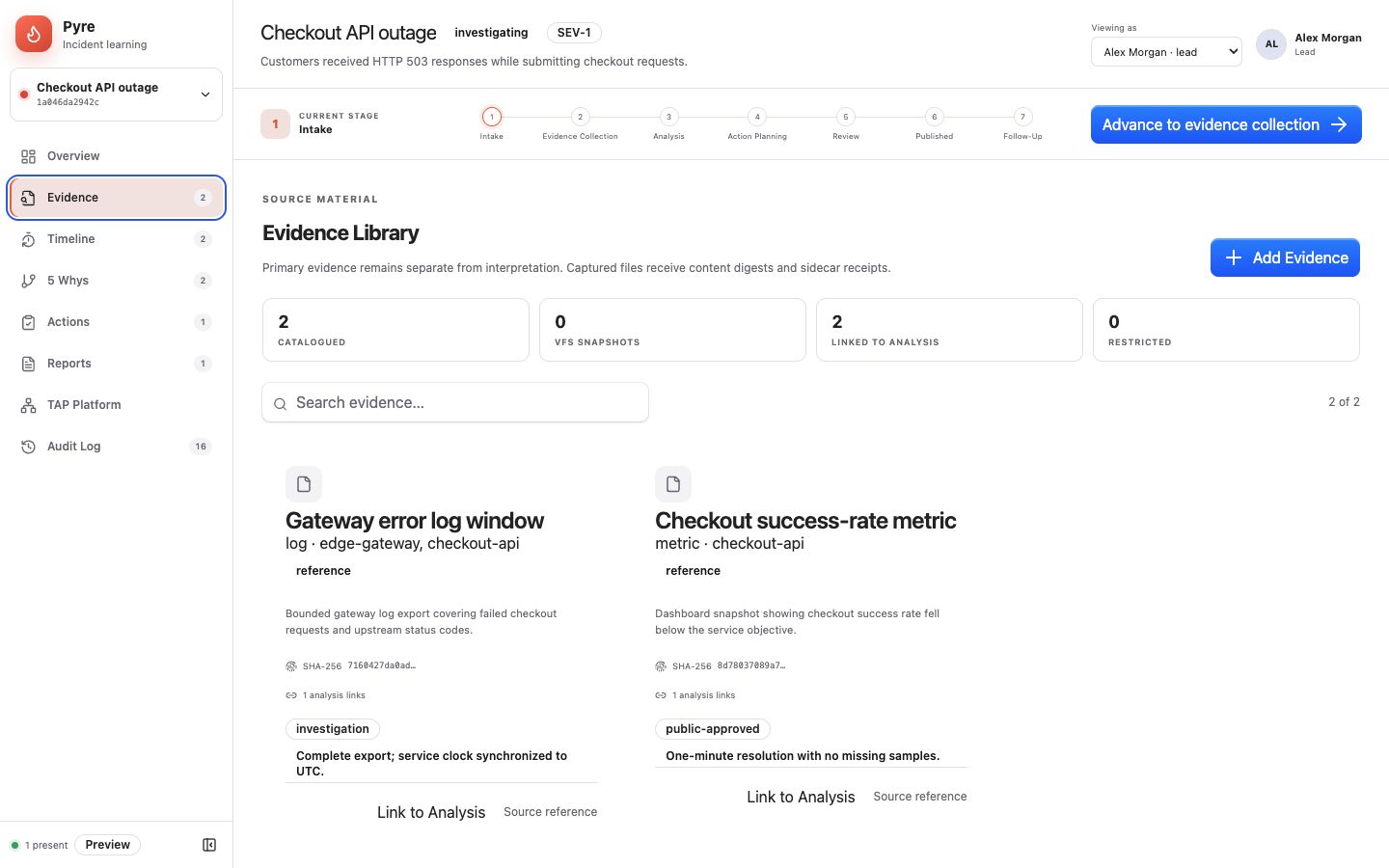
Pyre can provision a project chat root and write evidence snapshots through VFS. It reads credential metadata and uses host-mediated HTTP for approved external sources. Secret values never enter miniapp JavaScript.
3. Build a causal analysis
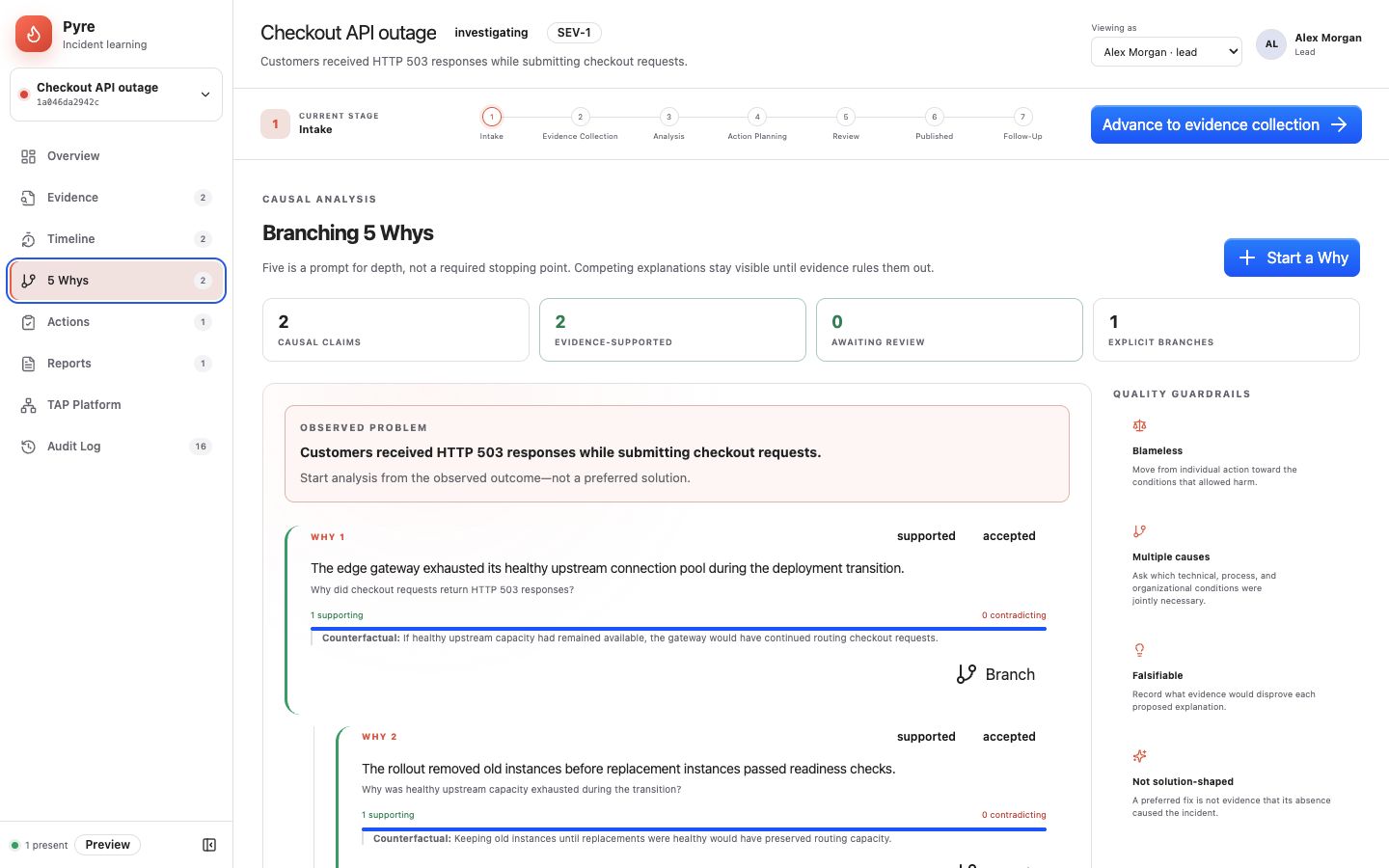
The packaged specialist can help structure analysis, but its invocation remains an explicit permissioned host operation. Workflow runs carry the incident context through the platform workflow surface. Approval authority stays separate from investigation authority, so analysis cannot silently publish itself.
What to Read in the Code
- Package descriptor for the complete contribution and permission graph.
- Platform bindings for projects, channels, credentials, HTTP, VFS, specialists, and workflows.
- MCP runtime for the headless package target.
- Authority module for view, investigate, and approve behavior.
Run It Locally
Link apps/pyre/.tap-package once. Mixed desktop and QuickJS changes use one watched package graph. Authority reductions can refresh automatically; added or broadened authority requires review before the changed generation is accepted.
Browse the source or return to the example gallery.