Language Servers

Language servers provide code intelligence (autocompletion, go-to-definition, diagnostics) for specialists working with code. They power the experience inside the Code Editor panel and any file work specialists do behind the scenes. This settings page lets you install and manage Language Server Protocol (LSP) providers.

You will find this page under Language Servers in the Settings sidebar.

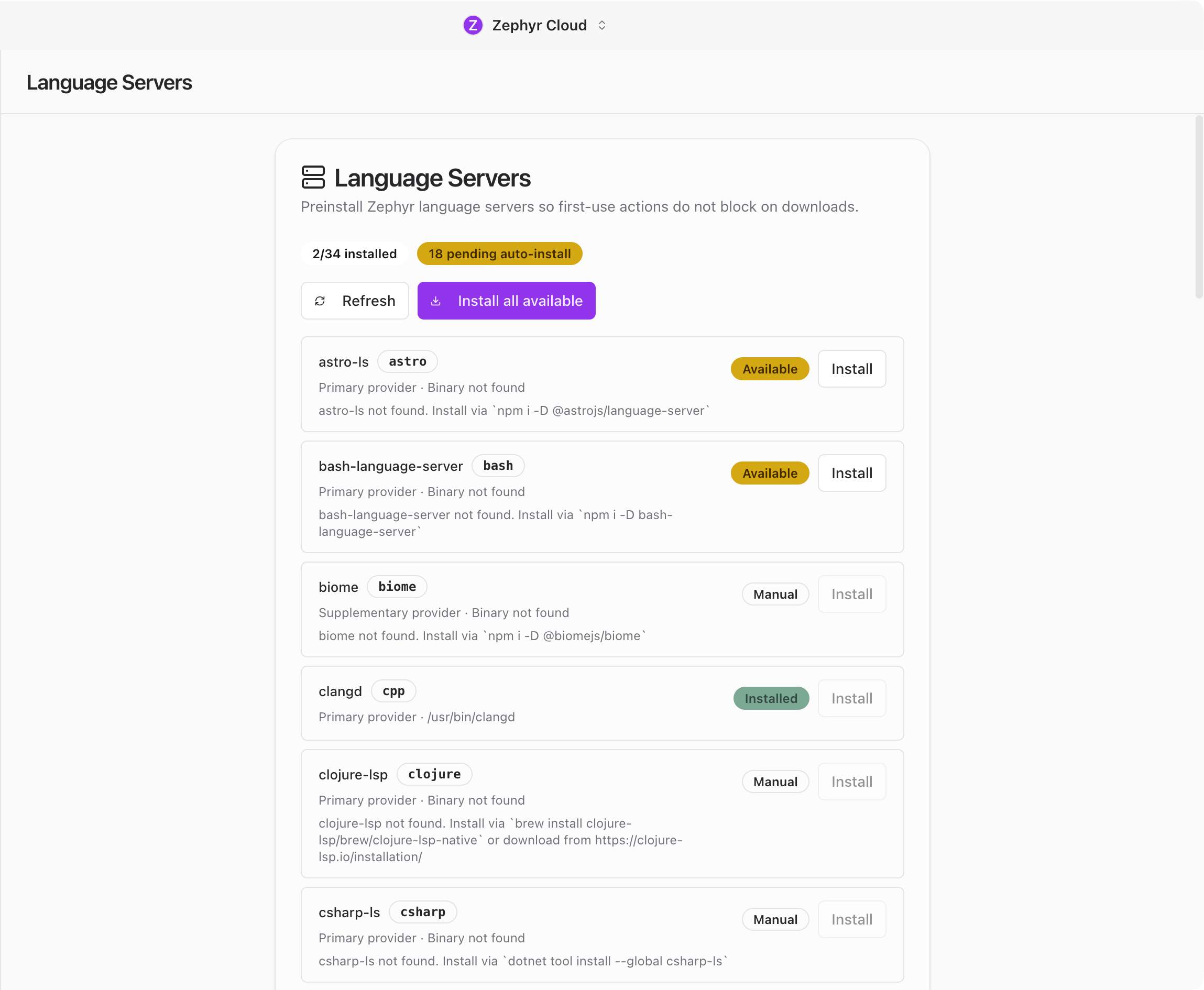
Language Servers settings showing available providers

Desktop Only

Language Servers are only available in the desktop app with LSP support enabled. On mobile or in the web version, this section appears grayed out in the sidebar with a tooltip explaining the requirement.

Provider List

The page shows a list of available LSP providers. Each entry displays:

  • The provider name.
  • Its current status: installed, not installed, or updating.
  • Actions you can take.

Installing a Provider

Click Install next to a provider to download and set it up. The install runs in the background, so you can keep using the app while it finishes. Once complete, the status updates to show the provider is ready.

Refreshing Providers

Click Refresh to check if a provider has updates available. If an update is found, it downloads and applies automatically.

How Language Servers Help

When a language server is installed, specialists and the code editor gain deeper understanding of your codebase. They can provide more accurate code suggestions, find references across files, and catch errors before you run your code.

Language servers are most useful when working inside Projects where code intelligence can reference your full repository.