
Preferences
Preferences control how The AI Platform looks and behaves for your account.
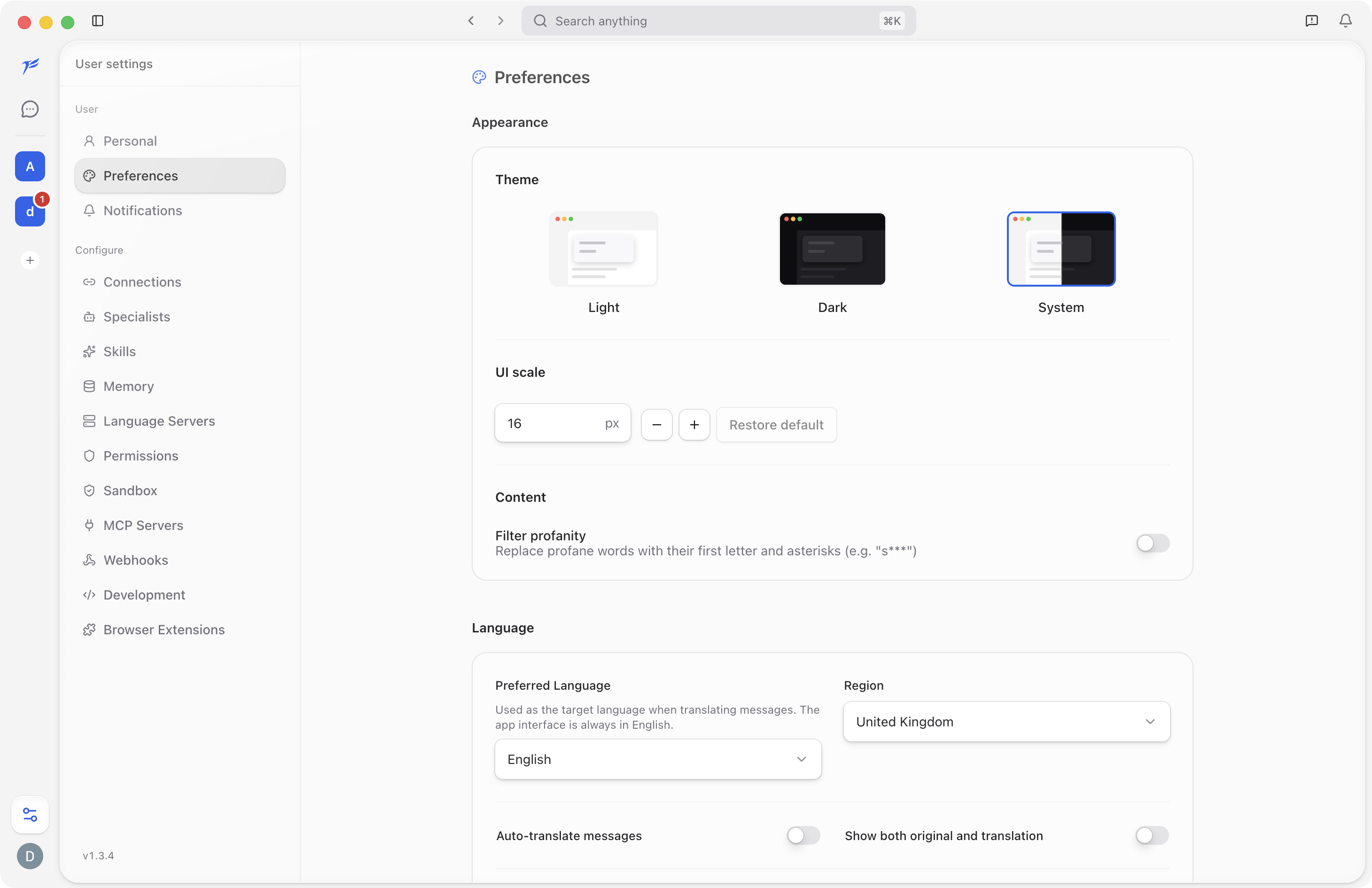
Appearance
Use Theme to choose Light, Dark, or System. System follows your operating system setting.
Use UI scale to make the interface larger or smaller. Click Restore default to return to the standard scale.
Content
Content preferences affect how messages and generated content are displayed for you.
Links
Link-opening preferences control what happens when you open external URLs from the app.