
Notifications
Notifications settings control how The AI Platform alerts you about messages and activity.
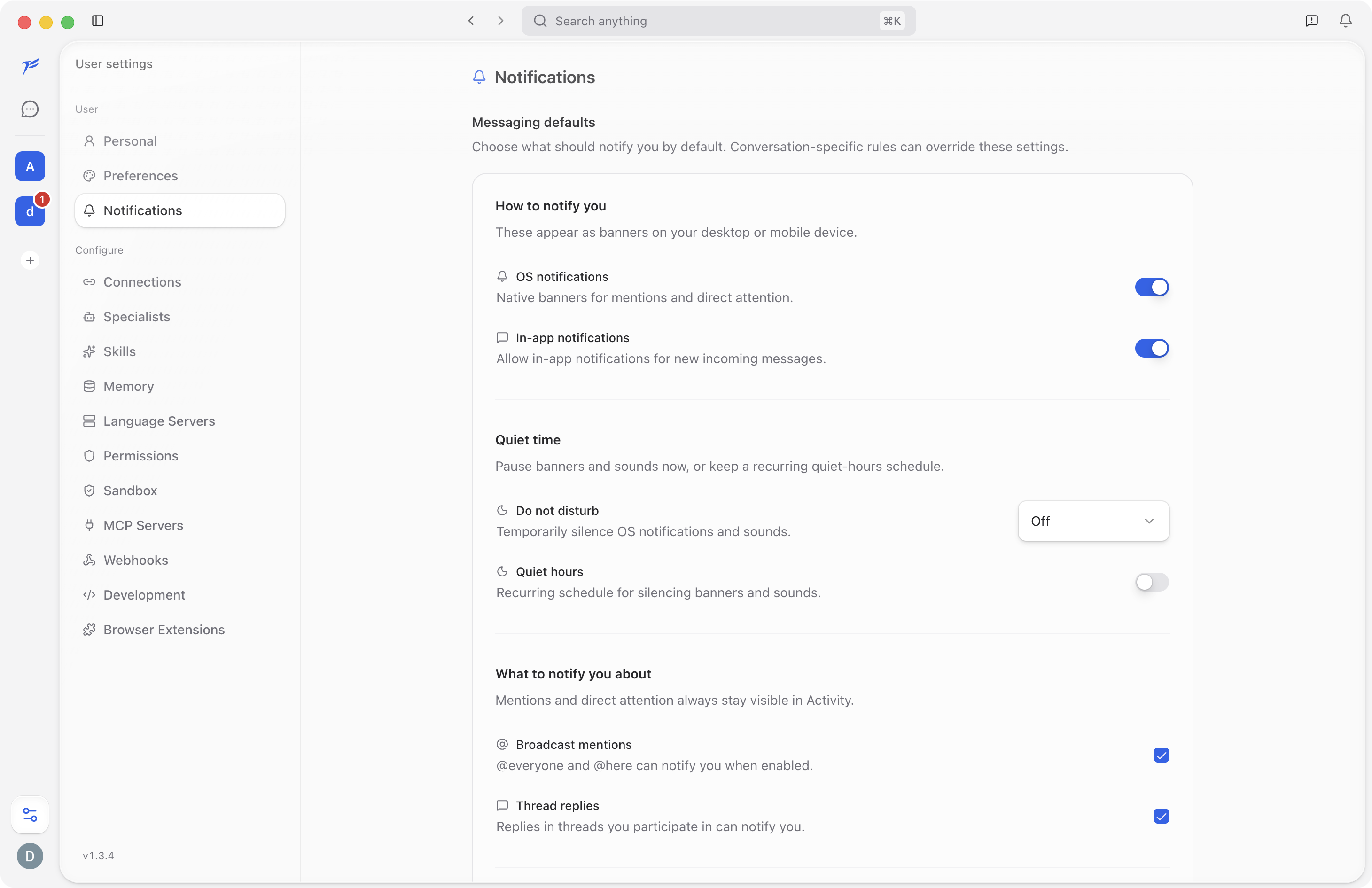
Messaging Defaults
Messaging defaults decide what should notify you by default. Conversation-specific rules can override these settings.
How to Notify You
- OS notifications show native banners for mentions and direct attention.
- In-app notifications show notifications inside The AI Platform for new incoming messages.
Quiet Time
Use quiet time when you need fewer interruptions.
- Do not disturb temporarily silences OS notifications and sounds.
- Quiet hours can keep a recurring schedule for silencing banners and sounds.
What to Notify You About
Use notification toggles for events such as broadcast mentions and thread replies. Mentions and direct attention always stay visible in Activity.